Download the App
A Step-by-Step Guide
1
Download the app to access ETS Online.
Select the button for your device to download the Thinkific App …
Download for iOS

Install the Thinkific App on your iPhone or iPad.
Or scan the QR code with your smartphone camera.
Download for Android

Install the Thinkific App on your Android device.
Or scan the QR code with your smartphone camera.
2
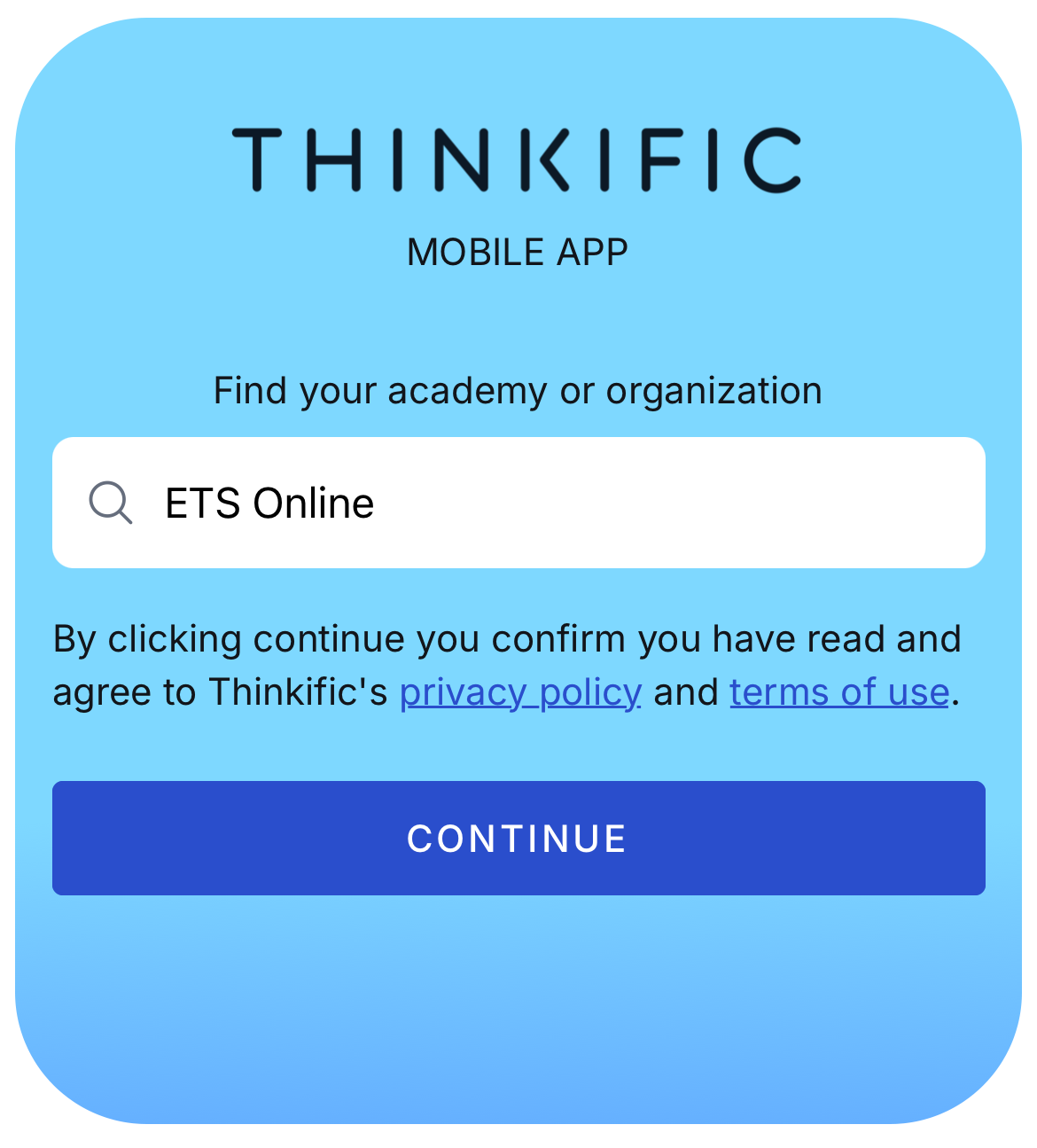
Search for ETS Online
Open the app and enter “ETS Online” …
3
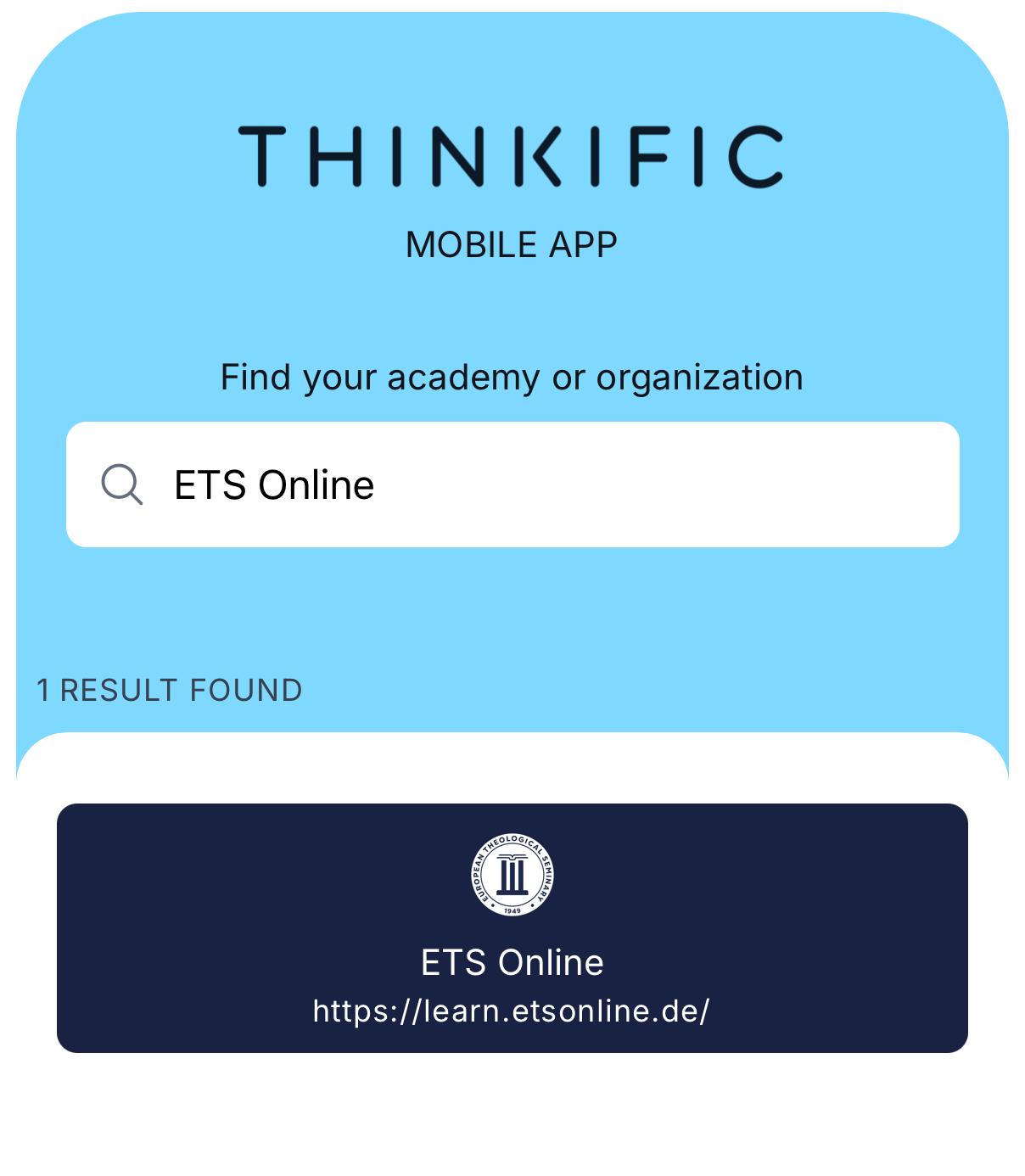
Select Our School: "ETS Online"
Choose etsonline.thinkific.com …
4
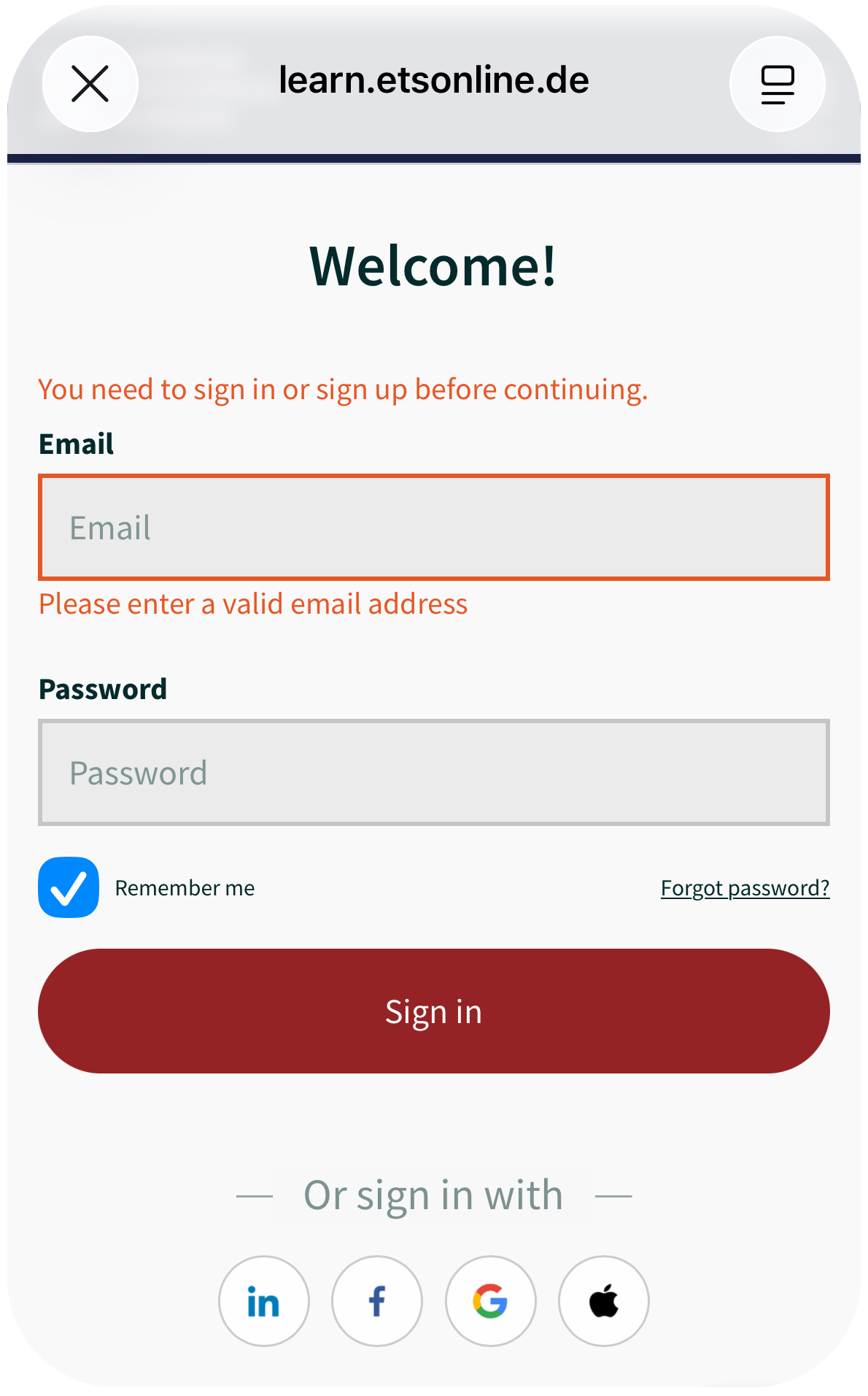
Sign In
Log in with your existing ETS Online student account …
5
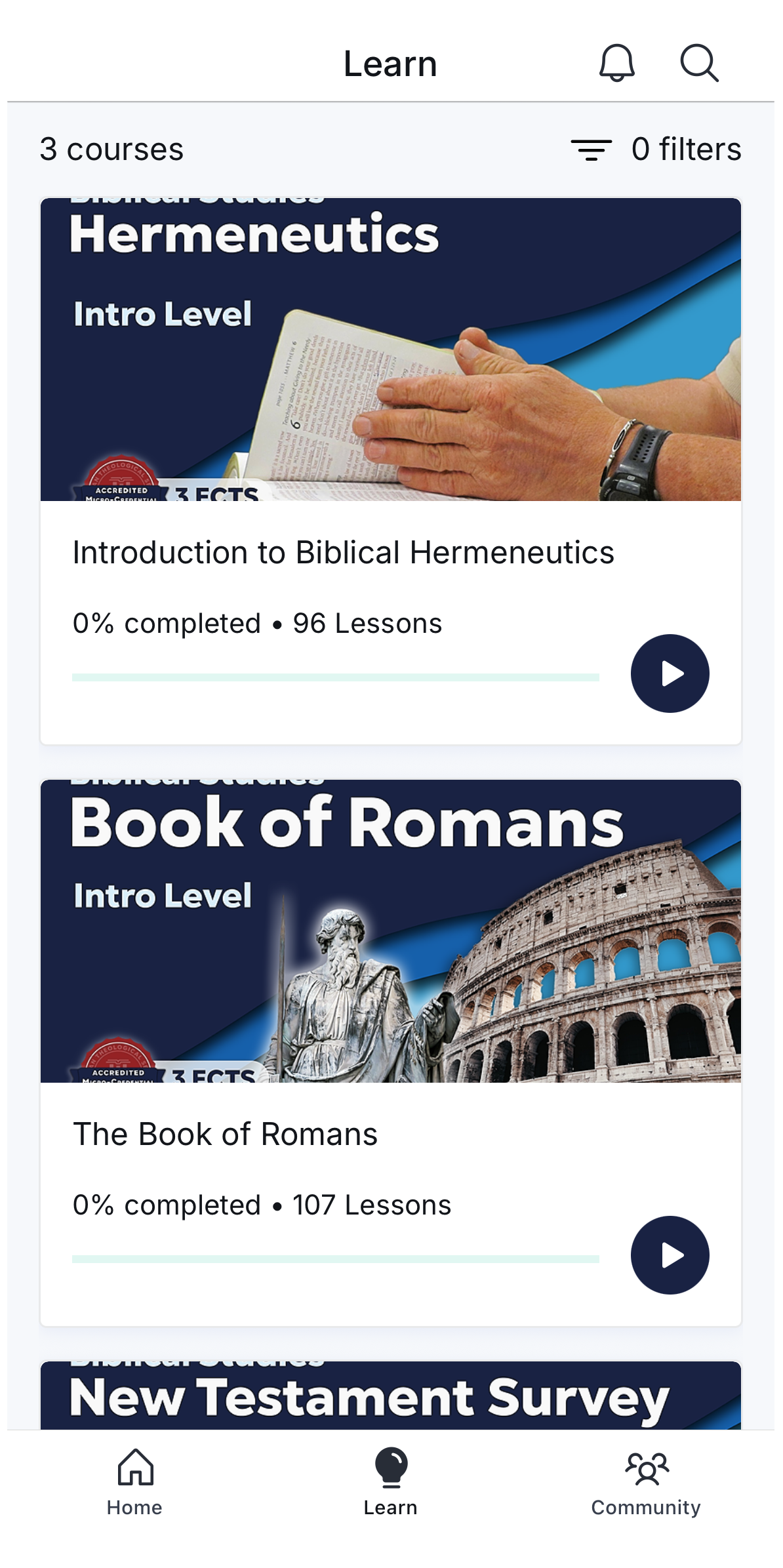
Enjoy your ETS Online courses anytime, anywhere
Start learning on-demand. Access your ETS online courses anytime, anywhere on mobile, tablet, or desktop — and keep growing your knowledge at your own pace.